

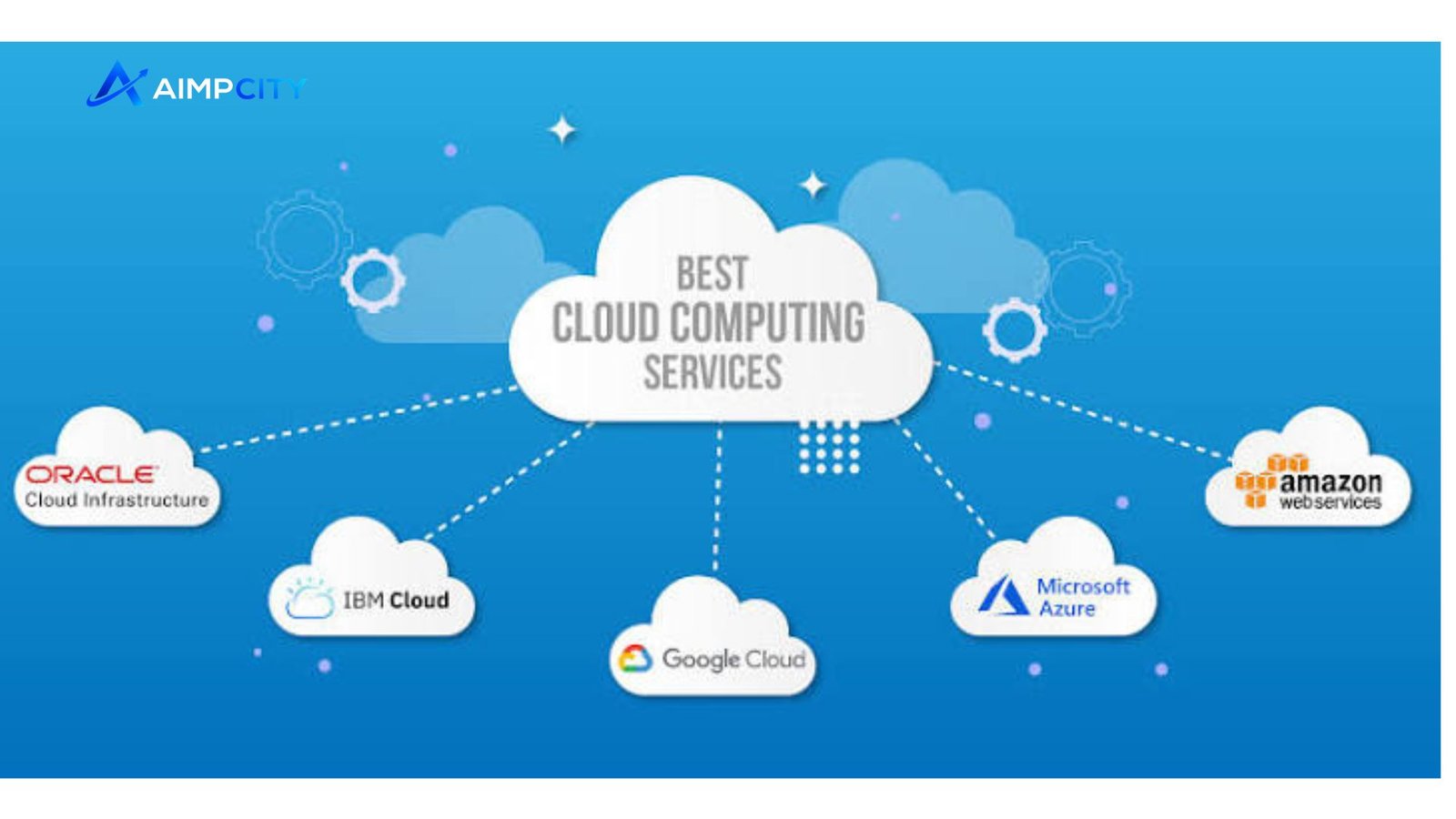
Cloud computing services give businesses access to computing resources such as servers, storage, databases, networking, software, and development platforms over a network instead of requiring every resource to be owned and maintained locally. The model can help organizations scale capacity, deploy applications faster, and adjust technology spending to actual usage. NIST describes cloud computing as on-demand access to a shared pool of configurable resources that can be rapidly provisioned and released.
For a business evaluating cloud adoption, the real question is not simply whether to move to the cloud. It is which services, delivery model, security controls, and operating approach make sense for its workloads.
What Are Cloud Computing Services?
Cloud computing services are technology capabilities delivered through cloud infrastructure rather than exclusively through an organization’s own physical data center. Depending on the service, the provider may manage hardware, virtualization, operating systems, applications, databases, networking, or other underlying components.
The three established service models are Infrastructure as a Service (IaaS), Platform as a Service (PaaS), and Software as a Service (SaaS). NIST also identifies public, private, community, and hybrid cloud as deployment models.
This structure gives organizations different levels of control. An IT team may rent virtual machines and configure much of the environment, use a managed platform to develop applications, or simply access finished software through a browser.
Types of Cloud Computing Services
The right model depends on how much infrastructure an organization wants to manage.
| Service model | What it provides | Typical use |
|---|---|---|
| IaaS | Virtual servers, storage, networking and related infrastructure | Custom applications, testing, enterprise workloads |
| PaaS | Managed application platform and development environment | Building and deploying software |
| SaaS | Complete applications delivered over the internet | Email, collaboration, CRM and business software |
Infrastructure as a Service
IaaS provides fundamental computing resources, including virtual machines, storage and networking. Customers retain substantial control over their environments while the provider operates the underlying physical infrastructure.
This model can suit organizations that need flexibility or have applications with specific operating-system, networking, or configuration requirements.
Platform as a Service
PaaS moves another layer of infrastructure management to the provider. Development teams can concentrate on building, testing, deploying, and scaling applications without managing as much of the underlying hardware and operating environment.
For software teams, this can reduce routine infrastructure work and allow developers to focus more directly on application functionality.
Software as a Service
SaaS delivers a complete software application through the internet. The provider generally manages the infrastructure, platform, application, and updates, while customers configure and use the software according to the service’s capabilities.
Common examples include collaboration tools, customer relationship management platforms, accounting systems, and productivity applications.
Why Businesses Use Cloud Computing Services
The appeal of cloud technology is broader than replacing physical servers. It can change how an organization acquires, operates, and scales technology.
Scalability: Computing resources can be increased or reduced as workload requirements change. This is particularly useful for applications with seasonal or unpredictable demand.
Faster deployment: New environments can often be provisioned without purchasing and installing physical equipment first.
Operational flexibility: Teams can access computing resources without maintaining every component inside their own facilities.
Access to specialized capabilities: Providers offer managed databases, analytics, artificial intelligence, security, networking, storage, and other services that would otherwise require substantial internal expertise.
Potential cost efficiency: Cloud consumption can reduce the need for upfront infrastructure purchases, although poorly managed usage can create unnecessary recurring costs.
Cloud computing services therefore work best when their technical and financial characteristics match the organization’s actual workload rather than being adopted simply because cloud technology is popular.
Public, Private, and Hybrid Cloud
Deployment strategy is another major consideration.
A public cloud uses infrastructure operated by a cloud provider and made available to multiple customers. It can offer broad service choices and flexible capacity.
A private cloud provides cloud capabilities dedicated to a particular organization. It may offer greater control over the environment, although the organization can still face significant infrastructure and management responsibilities.
A hybrid cloud combines private infrastructure with public cloud resources. It can be useful when applications or data have different requirements, such as keeping certain systems in a controlled environment while using public cloud capacity for other workloads. NIST recognizes these deployment models as part of its cloud taxonomy.
💡 Pro Tip: Before selecting a provider, classify workloads by sensitivity, performance requirements, dependencies, regulatory obligations, and expected usage. This prevents a one-size-fits-all migration strategy and makes it easier to determine which applications should move first.
What to Consider Before Choosing a Cloud Provider
Selecting cloud computing services requires more than comparing advertised features. Businesses should evaluate the entire operating model.
Security and Compliance
Cloud security is a shared responsibility. The provider secures parts of the underlying infrastructure, while customers remain responsible for aspects that depend on the specific service and configuration.
Review identity and access controls, encryption, logging, backup arrangements, vulnerability management, incident response, and applicable regulatory requirements. Security settings should be treated as part of the architecture rather than an afterthought.
Performance and Reliability
Look at availability requirements, geographic regions, network latency, recovery objectives, and service dependencies. A technically powerful platform may still be unsuitable if its architecture cannot meet the application’s operational requirements.
Cost Management
Cloud pricing can involve compute time, storage, data transfer, managed services, licensing, support, and other charges. Establish budgets, monitor usage, remove unused resources, and regularly review workloads.
Migration and Integration
Existing applications rarely operate in isolation. Before migration, identify databases, APIs, authentication systems, third-party integrations, data dependencies, and legacy technologies that could affect the project.
A phased migration is often easier to control than moving every workload simultaneously. Start with applications whose technical and business risks are understood, measure the results, and use those lessons for later workloads.
📌 Key Takeaway: The best cloud strategy is not necessarily the one with the most services. It is the one that provides an appropriate balance of control, scalability, security, performance, integration, and cost for each workload.
Frequently Asked Questions
What are cloud computing services used for?
They are used for a wide range of technology needs, including hosting websites and applications, storing data, running databases, developing software, analyzing information, backing up systems, and delivering business applications. The exact capabilities available depend on the provider and service model.
What is the difference between IaaS, PaaS, and SaaS?
IaaS provides infrastructure such as computing, storage, and networking. PaaS provides a managed environment for developing and deploying applications. SaaS provides a finished software application. The main difference is how much of the technology stack the provider manages for the customer.
Are cloud services secure?
Cloud services can provide strong security capabilities, but security is not automatic. Organizations still need appropriate identity controls, configuration management, monitoring, encryption, backups, and governance. Responsibilities are divided between the provider and customer according to the services being used.
How do I choose the right cloud model?
Start with workload requirements rather than provider names. Assess data sensitivity, compliance needs, application architecture, scalability, performance, internal skills, recovery requirements, and budget. Then compare IaaS, PaaS, SaaS, and deployment options against those requirements.
Can a business use more than one cloud service?
Yes. Organizations can use multiple services or providers when different workloads have different technical, geographic, compliance, or business requirements. However, multi-cloud environments can increase operational complexity, so the additional flexibility should have a clear purpose.
Choosing Cloud Computing Services With a Workload-First Strategy
Cloud adoption is most effective when it begins with business and technical requirements rather than a simple infrastructure replacement exercise. Identify what each workload needs, determine which responsibilities your team wants to retain, and assess security, reliability, integration, and cost before selecting a service.
For many organizations, cloud computing services can provide a flexible foundation for applications and digital operations. The strongest results come from treating cloud architecture as an ongoing management discipline—one that evolves as workloads, risks, and business priorities change.
conclusion
Cloud computing services can give businesses a flexible way to access infrastructure, platforms, applications, storage, and other digital resources without managing every physical component themselves. The right approach depends on each workload’s security, performance, scalability, integration, and cost requirements. By evaluating these factors carefully and choosing the appropriate service and deployment model, organizations can build a cloud environment that supports reliable operations and long-term growth.
